
If you have hesitated on a page like this, you have met what advertisers call a decoy button. It is not a sign of a broken site or a careless designer. It is a specific ad format, and it works because it borrows the look of the page around it.
What a decoy button actually is
A decoy button is an advertisement styled to resemble a genuine part of the page. On a file-hosting site, that usually means it imitates a download control — bright green or blue, bold text, a gentle pulse. The key detail is that the button rarely comes from the site you are visiting. It is served through an ad slot, loaded from an outside network.
The most prominent button on a download page is not always the real one.
How the look of a page guides your click
We tend to scan a screen for the boldest, clearest element when we want to act. Decoy ads lean on this expectation, adopting the visual weight we associate with real interface buttons: strong contrast, confident wording, a central position. Meanwhile, the genuine download link is often a plain, small piece of text tucked into a corner.
What can happen after the wrong click
Clicking a decoy is more often an inconvenience than a disaster, but it is worth knowing where these clicks can lead. Because decoy ads rely on catching people who did not mean to click, they tend to attract lower-quality offers — a different installer that bundles extra programs, a browser add-on you did not ask for, or pages that log details about your browser and activity.
Reading these pages with a bit more ease
- When several buttons compete, the plainest link is often the genuine one.
- Hovering over a link, where your setup allows, can reveal the destination before you commit.
- If a button feels designed to rush you, that urgency usually belongs to an ad, not the site.
Filtering decoy ads with the Total Adblock App
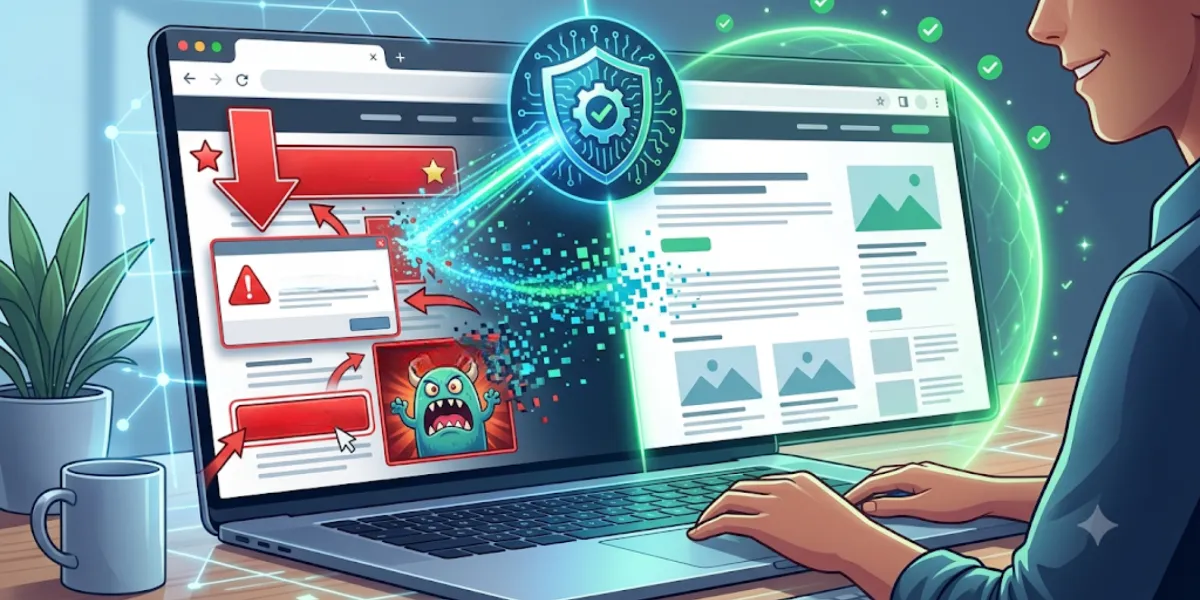
Spotting fakes gets easier with practice, but it still asks something of you every time. The Total Adblock Browser Extension app works at the network level: when you open a file-hosting page, it reviews the outgoing requests and stops those pointing to servers on its filter lists before the connection completes. Because those requests do not finish, the flashing "Start Download" banners tied to known ad networks are not built into the page at all. What remains is a cleaner layout where the genuine download link stands out on its own.
